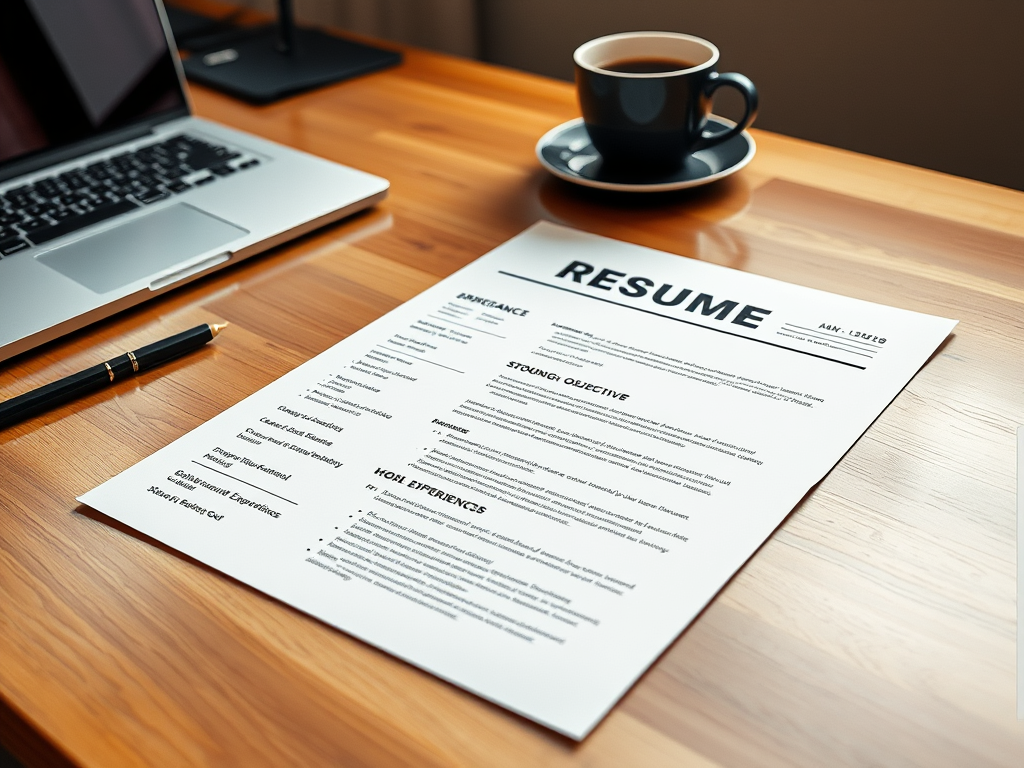
Creating a strong resume is essential for standing out in today’s competitive job market. A well-crafted resume showcases your skills, experience, and accomplishments, giving potential employers a clear picture of why you’re the ideal candidate. This guide will help you write a professional, polished resume that gets noticed.
Navigate your career path with confidence—check out our Career Development guides.
How to Write a Resume: A Step-by-Step Guide
1. Choose the Right Resume Format
Your resume format plays a crucial role in presenting your information effectively:
- Chronological Format: Ideal for individuals with consistent work experience. Lists your employment history in reverse chronological order.
- Functional Format: Focuses on skills and qualifications rather than work history. Great for career changers or those with gaps in employment.
- Combination Format: Merges both formats, highlighting skills while also listing work experience.
2. Add a Professional Header
The top of your resume should include:
- Full Name: Use your legal name or preferred professional name.
- Contact Information: Include your phone number, email address, and LinkedIn profile link. Ensure your email address looks professional.
- Location: You can include your city and state but avoid full addresses.
3. Write a Strong Resume Summary or Objective
A concise summary or objective grabs the employer’s attention:
- Resume Summary: Highlight your top achievements and qualifications in 2–3 sentences.
- Example: “Experienced digital marketing specialist with 5+ years of expertise in SEO strategies and content creation. Proven track record of increasing website traffic by 50% through targeted campaigns.”
- Objective Statement: Focus on your career goals, especially if you’re new to the workforce or changing careers.
- Example: “Recent graduate with a degree in computer science seeking a software engineering role to develop innovative solutions.”
4. Highlight Your Work Experience
Employers want to see your relevant professional history:
- Job Titles: Clearly list your job titles in reverse chronological order.
- Company Names: Include the name of each employer.
- Dates of Employment: Use the format “Month/Year – Month/Year.”
- Responsibilities and Achievements: Use bullet points to describe your roles and highlight measurable accomplishments.
- Example: “Increased sales revenue by 25% through targeted email campaigns and customer engagement strategies.”
5. Showcase Your Skills
Include a skills section that matches the job description:
- Hard Skills: List job-specific technical skills, such as proficiency in Excel, programming languages, or graphic design tools.
- Soft Skills: Highlight transferable skills like teamwork, communication, and problem-solving.
- Keywords: Incorporate industry-specific terms to make your resume ATS (Applicant Tracking System) friendly.
6. Include Your Education
List your educational qualifications in this section:
- Degrees Earned: Mention your degree type (e.g., Bachelor of Science) and major.
- Institutions: Include the name of the university or college.
- Graduation Year: Optional if you’re concerned about age bias.
- Certifications: Add any relevant certifications or courses completed.
7. Add Optional Sections
Depending on your experience, include these additional sections:
- Volunteer Work: Highlight community service that showcases leadership or relevant skills.
- Awards and Honors: Mention accolades that emphasize your professional achievements.
- Languages: Include any additional languages you speak and your proficiency level.
8. Format Your Resume Professionally
A clean and organized resume is easier to read:
- Font Style and Size: Use professional fonts like Arial or Times New Roman, with font sizes between 10–12 points.
- Margins: Maintain 1-inch margins on all sides.
- Consistency: Keep formatting uniform across sections (e.g., use the same bullet points and alignment).
- File Type: Save your resume as a PDF to preserve formatting unless the job application specifies otherwise.
9. Tailor Your Resume for Each Job
Customize your resume to match the job description:
- Review Keywords: Highlight skills and experience mentioned in the job posting.
- Focus on Relevant Experience: Emphasize roles and responsibilities that align with the job.
- Personalize Your Objective or Summary: Address the specific needs of the employer.
10. Proofread and Edit
Errors can make a bad first impression:
- Check Grammar and Spelling: Use tools like Grammarly or ask a friend to review your resume.
- Verify Consistency: Ensure your formatting is uniform and details are accurate.
- Test ATS Compatibility: Use online tools to check if your resume passes Applicant Tracking Systems.
Key Takeaways for Writing a Standout Resume
- Use a professional format and layout that’s easy to read.
- Highlight your skills and accomplishments with measurable results.
- Tailor your resume to each job application for maximum relevance.
- Proofread thoroughly to ensure accuracy and professionalism.
Conclusion
Crafting a standout resume takes effort, but the results are worth it. By following these steps and focusing on clarity and relevance, you’ll create a resume that opens doors to exciting career opportunities.
Ready to build your perfect resume? Start now and land the job you’ve been dreaming of!
Achieve your goals with expert advice—visit our Career Development page now!
Leave a Reply